Top 10 IPTV Buffering Optimisation Tips for Seamless Streaming Experience?
In the realm of digital entertainment, IPTV has surged in popularity, driven by its ability to deliver content seamlessly. However, one critical challenge many users face is buffering, which can hinder the viewing experience. Recent industry reports indicate that up to 80% of users may abandon streaming when buffering delays occur. Therefore, IPTV buffering optimisation has become a vital topic for providers and consumers alike.
Achieving a smooth streaming experience requires an understanding of various factors influencing performance. Research suggests that network speed, device capability, and content quality play significant roles in minimising buffering. For instance, a study by the Streaming Video Alliance revealed that optimised buffering strategies can improve stream reliability by over 30%. This statistic underscores the need for effective solutions in the IPTV landscape.
As we explore the top ten IPTV buffering optimisation tips, it is crucial to consider both technical and user experience perspectives. Streamers should be aware of common pitfalls and adjustments that can enhance their watching experience. With a blend of expert insights and user-driven strategies, viewers can enjoy their favourite shows without interruptions.
Understanding IPTV Buffering: Causes and Effects
Understanding IPTV buffering is crucial for enhancing your streaming experience. Buffering occurs when data is not transmitted quickly enough to maintain a smooth connection. This delay can lead to interruptions, causing frustration for viewers. Factors such as slow internet speeds, network congestion, and inadequate hardware contribute to this issue. Many may think upgrading to a higher-speed plan is the only solution. However, it's essential to consider other aspects that might impact performance.
IPTV buffering can significantly affect how you enjoy content. Imagine watching your favorite show, only to have it pause suddenly. This can ruin the immersion. Network congestion often happens during peak hours. People stream heavily when they return home from work. If others use bandwidth simultaneously, your experience can worsen. Additionally, outdated routers might struggle to handle modern streaming demands. Some users might overlook this but upgrading your equipment can yield notable improvements.
In some cases, users might not be aware of the settings on their devices. Streaming quality settings can vary, and selecting a lower resolution might mitigate buffering issues. This trade-off may reduce video quality, but it ensures uninterrupted viewing. It's a balance between quality and consistency that each user must consider.
Evaluating Your Internet Speed for Optimal IPTV Performance
Evaluating your internet speed is a crucial step toward optimal IPTV performance. Many users may not realize that a stable connection significantly impacts streaming quality. A report by the Federal Communications Commission (FCC) highlighted that over 25% of Americans do not receive the internet speeds advertised by their providers. This discrepancy can lead to frustrating buffering issues during streaming sessions.
To ensure a seamless IPTV experience, testing your internet speed is the first step. Ideally, your connection should deliver at least 25 Mbps for HD content. However, for 4K streaming, speeds of 50 Mbps or higher are recommended. Some users find their speeds fluctuate, especially during peak hours. This can be frustrating, especially when a family shares the same connection. Overwhelmed networks can lead to latency and buffering.
Consider using wired connections instead of Wi-Fi when possible. Wired connections minimize interference and provide stability. If Wi-Fi is necessary, positioning the router in a central location can help. Additionally, avoid running multiple intensive applications simultaneously. Adjusting these factors can enhance your streaming experience significantly, allowing for fewer interruptions and better quality viewing.
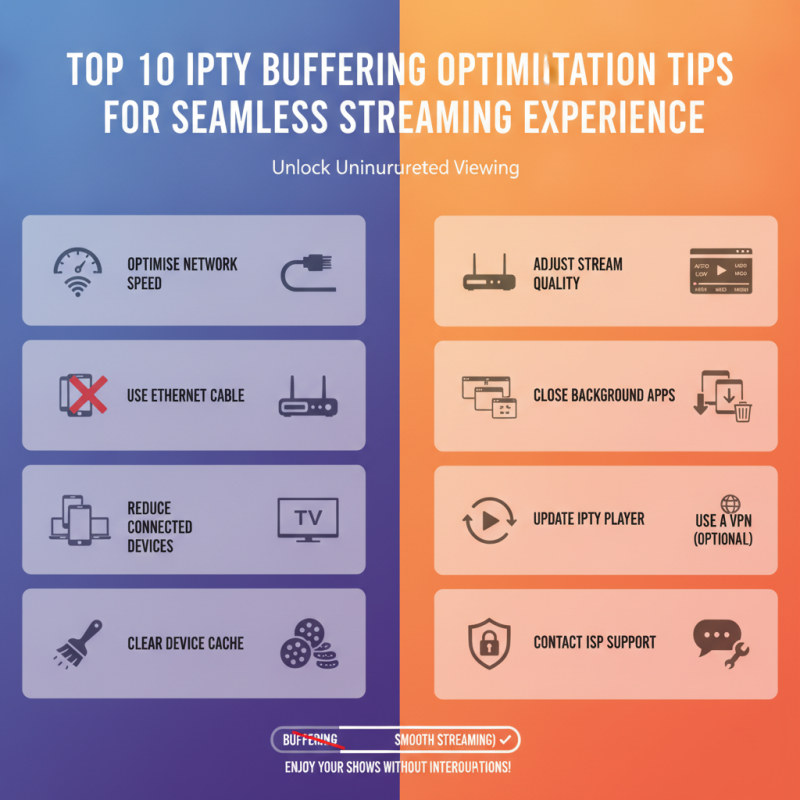
Top 10 IPTV Buffering Optimisation Tips for Seamless Streaming Experience
| Tip Number |
Optimization Tip |
Description |
Estimated Impact |
| 1 |
Check Internet Speed |
Use online speed tests to ensure adequate bandwidth. |
High |
| 2 |
Use Wired Connection |
Connect your device via Ethernet for a stable connection. |
Very High |
| 3 |
Upgrade Your Router |
Ensure your router can handle current internet speeds. |
Moderate |
| 4 |
Reduce Network Congestion |
Limit devices using bandwidth during streaming. |
High |
| 5 |
Update Firmware |
Keep your router and device firmware up-to-date. |
Moderate |
| 6 |
Optimize Quality Settings |
Lower the video quality if buffering occurs frequently. |
Moderate |
| 7 |
Clear Cache and Data |
Regularly clear cache on your streaming device. |
Low |
| 8 |
Reboot Your Router |
Restart your router to refresh the connection. |
Low |
| 9 |
Check for Interference |
Minimize interference from other devices and networks. |
High |
| 10 |
Use Network Extenders |
Extend your network range to eliminate dead zones. |
Moderate |
Router Configuration: Adjusting Settings for Better Streaming
When it comes to IPTV streaming,
router configuration plays a vital role in ensuring a smooth experience. Many users overlook their router settings, which can lead to frustrating buffering issues. Start by accessing your router’s settings through a web interface. Ensure that your firmware is updated regularly. An outdated router can cause performance lags, impacting your viewing experience.
Quality of Service (QoS) settings can prioritize streaming traffic. Adjust these settings to make sure that streaming devices get the bandwidth they need, especially during peak times. Additionally, consider reducing the number of connected devices on your network while streaming. Too many devices can lead to bandwidth congestion, causing interruptions.
Choosing the right wireless channel can also make a significant difference. Many routers automatically select a channel, but manual selections may align better with your environment. Look for less crowded channels in your area to minimize interference. Remember to test changes incrementally, as reverting settings can sometimes yield better results. Fine-tuning these configurations requires patience and attention.
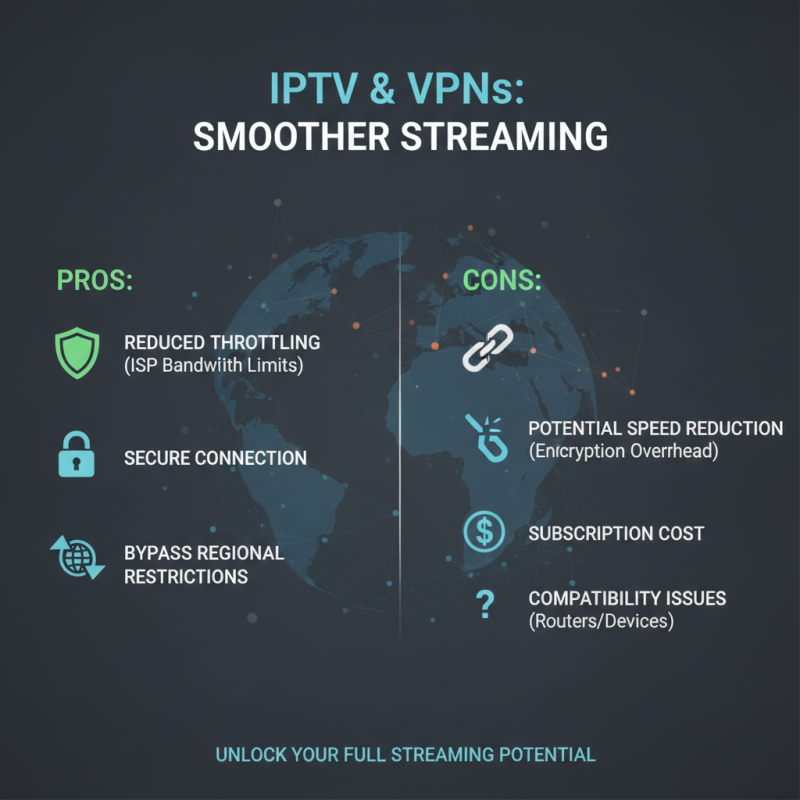
Using VPNs: Pros and Cons for IPTV Buffering
Using VPNs can improve your IPTV buffering experience significantly. They provide a secure connection, which can reduce throttling from your Internet Service Provider (ISP). This is especially useful if your ISP limits bandwidth during peak times. A VPN masks your IP address, allowing you to bypass regional restrictions on certain channels.
However, VPNs come with downsides. The added encryption may slow your connection speed, leading to potential buffering issues. If you choose a free VPN, you might face inconsistent performance. These can introduce more buffering than you started with. Selecting a reliable VPN service is vital for enhancing your streaming quality.
Testing different VPN servers can also yield mixed results. Some servers might provide smoother streaming, while others could hinder performance. It's crucial to assess which configurations work best for your specific needs. Experimentation and adjustment are key to finding the right balance between security and streaming efficiency.
Choosing the Right Streaming Device for Enhanced Experience
Selecting the right streaming device can drastically improve your IPTV experience. A survey by a leading market research firm revealed that users with high-quality streaming devices report a 25% reduction in buffering issues. This emphasizes the importance of hardware compatibility and capability in streaming.
Devices with advanced processing power ensure smooth playback. For instance, streaming sticks and set-top boxes equipped with faster CPUs and ample RAM deliver better results. Many users often overlook device specifications, leading to the frustration of lag and buffering. Investing in quality streaming devices could mean the difference between seamless viewing and constant interruptions.
However, even premium devices can struggle in certain environments. Network bandwidth plays a crucial role; inadequate Wi-Fi speeds can degrade performance. In homes with multiple users, bandwidth allocation becomes essential. A report by the International Data Corporation (IDC) highlights that over 40% of consumers face buffering due to insufficient internet speeds. Choosing the right device is just part of the equation; optimal network conditions are equally important for an enhanced streaming experience.