In today's digital workspace, RGB glare has become a common issue. It affects our comfort and productivity. Many people spend hours in front of screens. Bright, colorful lights can lead to eye strain and fatigue. This discomfort can lower work efficiency.
Finding ways to reduce RGB glare is essential. Adjusting monitor settings is a simple step. Softening the brightness and contrast can make a big difference. Using anti-glare screens can also help. These easy solutions can create a more pleasant environment.
However, many overlook the significance of proper lighting. Ambient lighting plays a crucial role in reducing glare. Adjusting your desk lamp or using curtains can minimize reflections. A comfortable workspace is vital for overall well-being and focus. Taking these steps to manage RGB glare will enhance your experience.
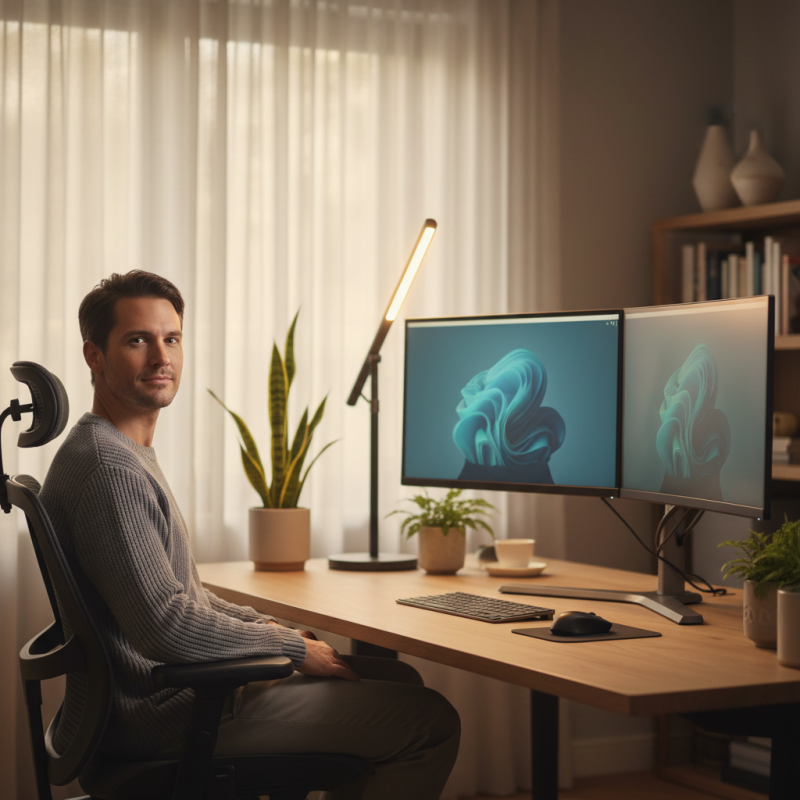
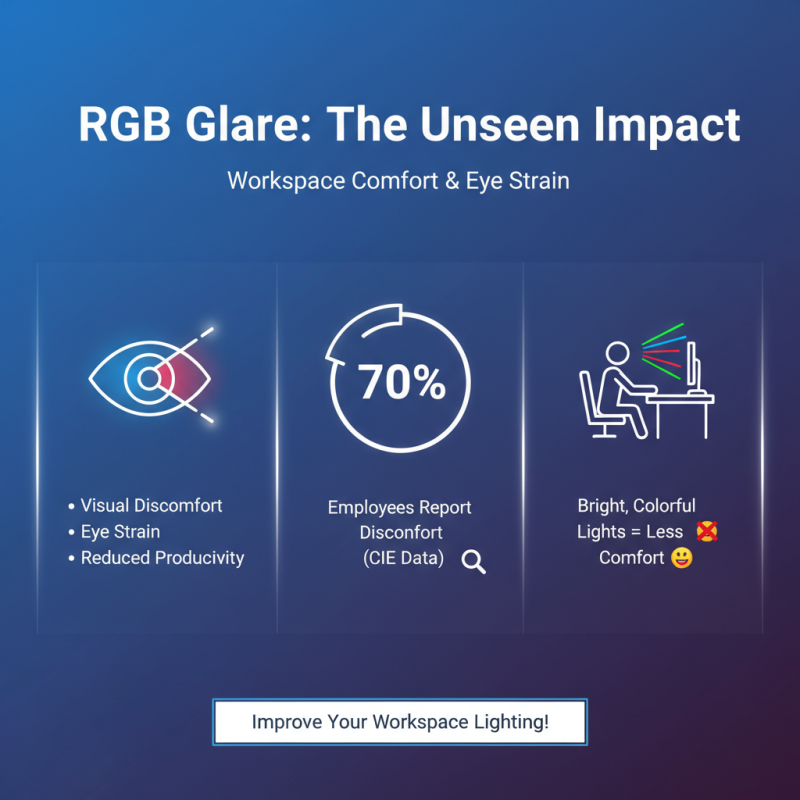
RGB glare can significantly impact workspace comfort. Bright, colorful lights may seem appealing, but they can lead to visual discomfort. According to a report from the International Commission on Illumination, almost 70% of employees experience discomfort due to glare in their work environments. This discomfort can lead to decreased productivity and increased eye strain.
To alleviate RGB glare, consider the use of diffusing materials. Frosted glass panels or soft fabric can help soften harsh light. Adjusting your monitor’s brightness can also reduce glare, creating a more balanced visual environment. Another study showed that natural light enhances comfort and productivity by 15%. Try to position workstations near windows, if possible.
Tips: Use adjustable blinds to control incoming light. Choose LED lights with adjustable color temperatures for flexibility. Lastly, take regular breaks to rest your eyes. Remember, creating a comfortable workspace often requires trial and error. Don’t hesitate to experiment with different light sources and placements. Be mindful that what works for one may not work for another. Make adjustments based on personal comfort levels and feedback.
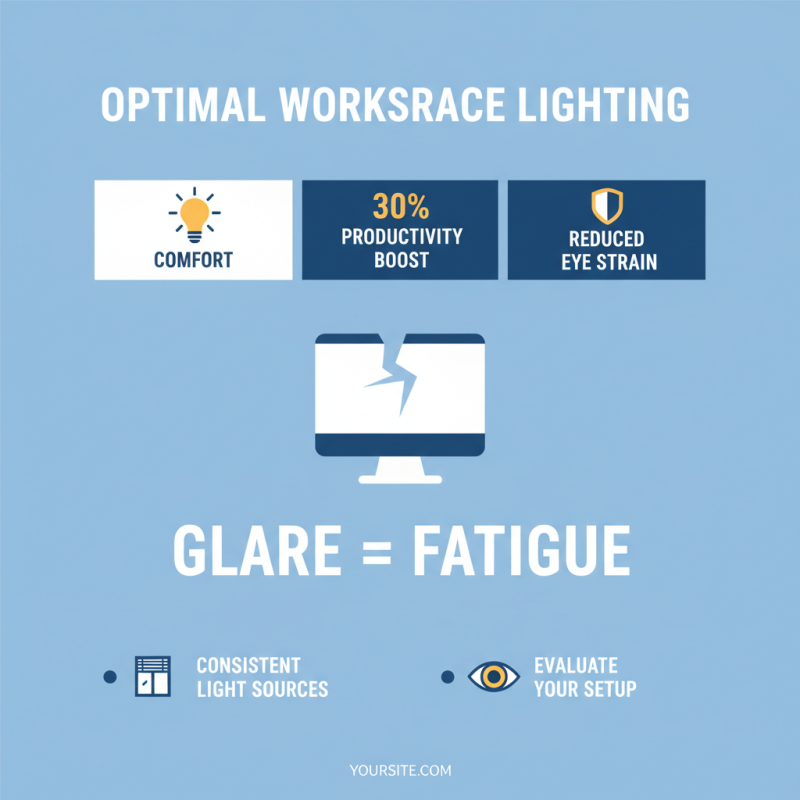
Evaluating the lighting conditions in your workspace is crucial for comfort. Studies indicate that inappropriate lighting can lead to a 30% decrease in productivity. Glare from screens often stems from inconsistent light sources. This kind of glare can strain your eyes and increase fatigue, making it hard to focus.
To assess your workspace, start by identifying potential glare sources. Positioning windows behind your computer screen may create reflection issues. A study by the Occupational Safety and Health Administration (OSHA) suggests that optimal lighting levels should range between 300 to 500 lux for office tasks. If your workspace falls below this range, it might contribute to discomfort.
Consider the type of lamps you use. LED lights can provide bright illumination but may also contribute to glare if not diffused properly. Installing adjustable blinds can help control natural light levels. In some cases, even small adjustments, like shifting your monitor angle or adding anti-glare screens, can make a difference. Be critical of your workspace setup. It might seem adequate at first glance, but hidden glare issues could be affecting your comfort.
Choosing the right RGB lighting fixtures can significantly reduce glare in your workspace. Studies show that harsh lighting contributes to eye strain for approximately 60% of workers. By selecting fixtures designed to minimize glare, individuals can enhance comfort and productivity. It’s essential to focus on ambient lighting over direct sources. Soft, diffused light creates a more relaxed environment.
Look for RGB lighting with lower lumens and adjustable intensity. The Illuminating Engineering Society recommends a luminance level of around 300 to 500 lumens for workspaces. Fixtures with a color temperature between 2700K and 3000K can create a warm atmosphere while reducing harshness. Additionally, utilizing lampshades or diffusers can help soften light, further minimizing glare.
Sometimes, even the best fixtures can produce unwanted reflections. Positioning lights wisely is crucial. Avoid placing fixtures directly above screens or workstation surfaces. Instead, opt for lights on the walls or indirect sources. A recent survey found that 40% of employees experience discomfort from lighting placement alone. Experimenting with different angles may be necessary. Finding the right balance takes time and adjustments, but it pays off in a more comfortable workspace.
Reducing RGB glare in your workspace can significantly enhance comfort and productivity. Strategic layout adjustments are key to minimizing glare effects. Studies show that over 60% of office workers experience discomfort due to glare, which can lead to decreased concentration. Properly positioning screens and workstations is essential. Consider angling monitors away from light sources or using adjustable desks to align with natural light throughout the day.
Another important factor is the type of lighting. Inappropriate overhead lighting can create harsh reflections on screens. Implementing diffused lighting can help soften brightness. A report by the Illuminating Engineering Society highlights that glare can reduce visual task performance by up to 25%. Utilizing softer light fixtures or desk lamps can mitigate these effects and promote better working conditions.
It’s also beneficial to incorporate light-filtering blinds or curtains. These can be particularly useful in managing sunlight during different times of the day. Not everyone will find the same layout effective; it may take trial and error to find a solution that works. Reflecting on your workspace setup is crucial. Consider seeking feedback from colleagues. Regular adjustments may yield a more comfortable and less visually stressful environment, helping boost overall well-being.
| Adjustment Strategy | Effectiveness Rating (1-5) | Implementation Difficulty (1-5) | Estimated Cost ($) |
|---|---|---|---|
| Adjust Monitor Position | 4 | 2 | 0 |
| Use Anti-Glare Screen Protectors | 5 | 3 | 25 |
| Install Adjustable Blinds | 3 | 4 | 150 |
| Change Workspace Lighting | 4 | 3 | 200 |
| Rearrange Desk Layout | 3 | 2 | 0 |
In modern workspaces, RGB lighting can enhance ambiance but also cause eye strain. To improve comfort, consider using anti-glare accessories. These can significantly reduce glare from screens and other light sources.
Using an anti-glare screen protector can make a difference. It helps diffuse the harsh light emitted by screens. It can transform your viewing experience. Adjusting your workspace lighting is equally important. Position your light sources to minimize reflections on your screens. This can lead to a more pleasant working atmosphere.
Tips for reducing glare include using curtains or blinds. Controlling natural light can help. You might also want to adjust the color temperature of your workspace lights. Warmer light can reduce discomfort.
Remember, your workspace should feel comfortable. Evaluate your light sources regularly. Make necessary adjustments for optimal comfort and productivity.